DevKit
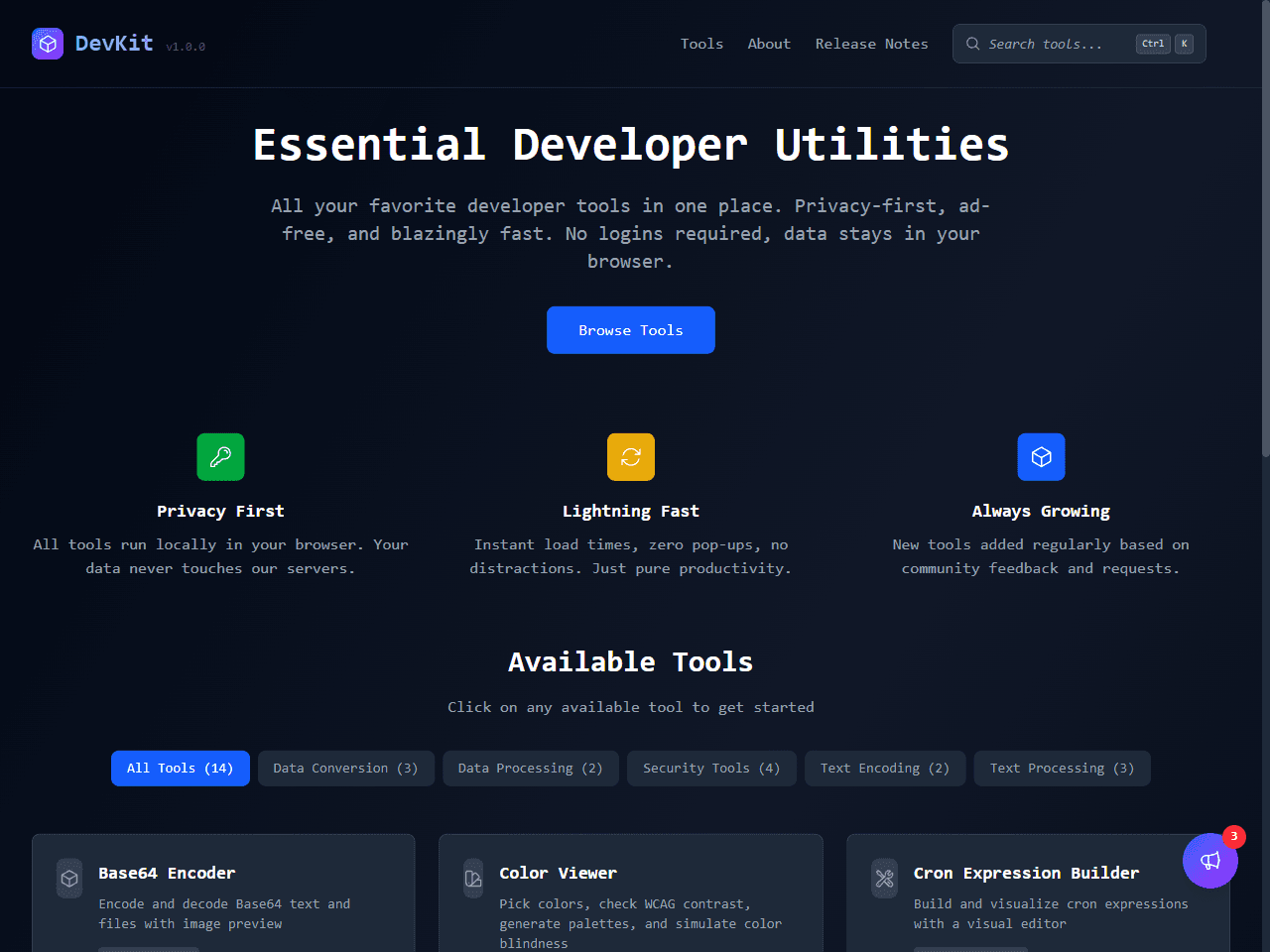
Fourteen developer tools that run entirely in the browser. Nothing leaves your machine.
Why I built it
I kept doing the same small things throughout the day — formatting a JSON payload, decoding a JWT, generating a password — and kept ending up on some ad-heavy site that wanted an account first. I wanted one place, no sign-up, and a guarantee that whatever I pasted in never left the tab.
DevKit is that place: 14 tools, all running client-side. Password generation goes through the Web Crypto API, JSON formatting is just JSON.parse / JSON.stringify with no dependency behind it, JWT decoding is plain Base64 parsing. Nothing here needed a server, so nothing here has one.
Privacy as a constraint, not a promise
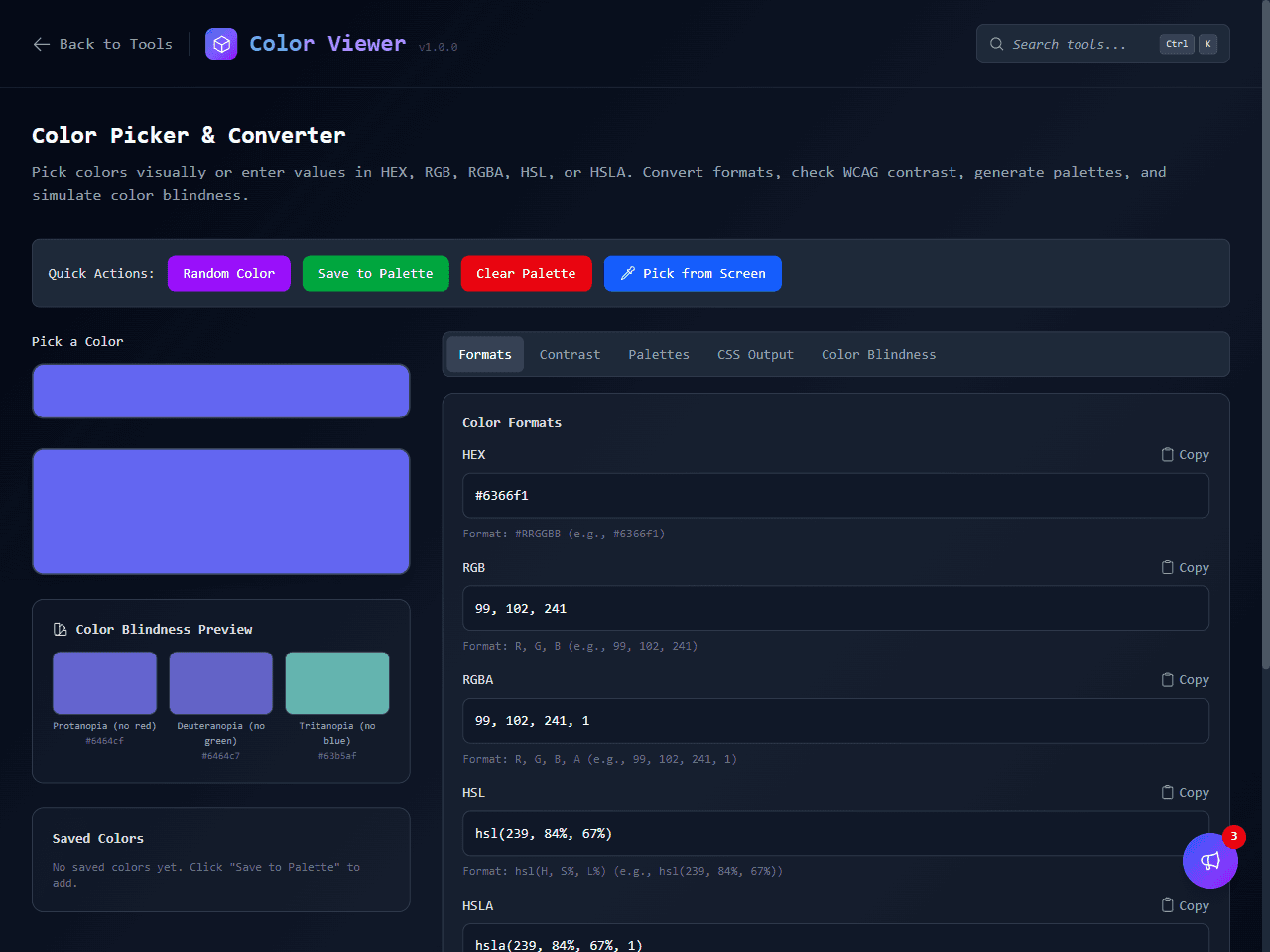
I didn't want to write a privacy policy and ask people to trust it. Making every tool client-only means there's no server to leak from in the first place — the constraint does the work a promise can't. It also means DevKit works offline once loaded, which turned out to matter more than I expected for things like JWT debugging on a flight.
What surprised me
How far native browser APIs actually get you. Web Crypto, TextEncoder/TextDecoder, and the built-in JSON methods cover most of what a “developer utilities” site needs — I reached for an external library far less than I expected to.
The other thing: keeping each tool to one job made the whole site faster to build and easier to use than a kitchen-sink version would have been. Fourteen small, focused tools beat one crowded page.
What's next
A regex tester and a diff checker are next up. Both keep to the same rule as everything else here — if it can run in the browser, it doesn't need a server.
What I'd flag for anyone building similar
If you're weighing a client-only tools site against a server-backed one: the ceiling is lower — no auth, no saved state across devices, no server-side processing for genuinely heavy workloads — but for the class of tool most developers reach for daily, that ceiling never mattered. I'd make the same call again.